
Send files directly from device to device
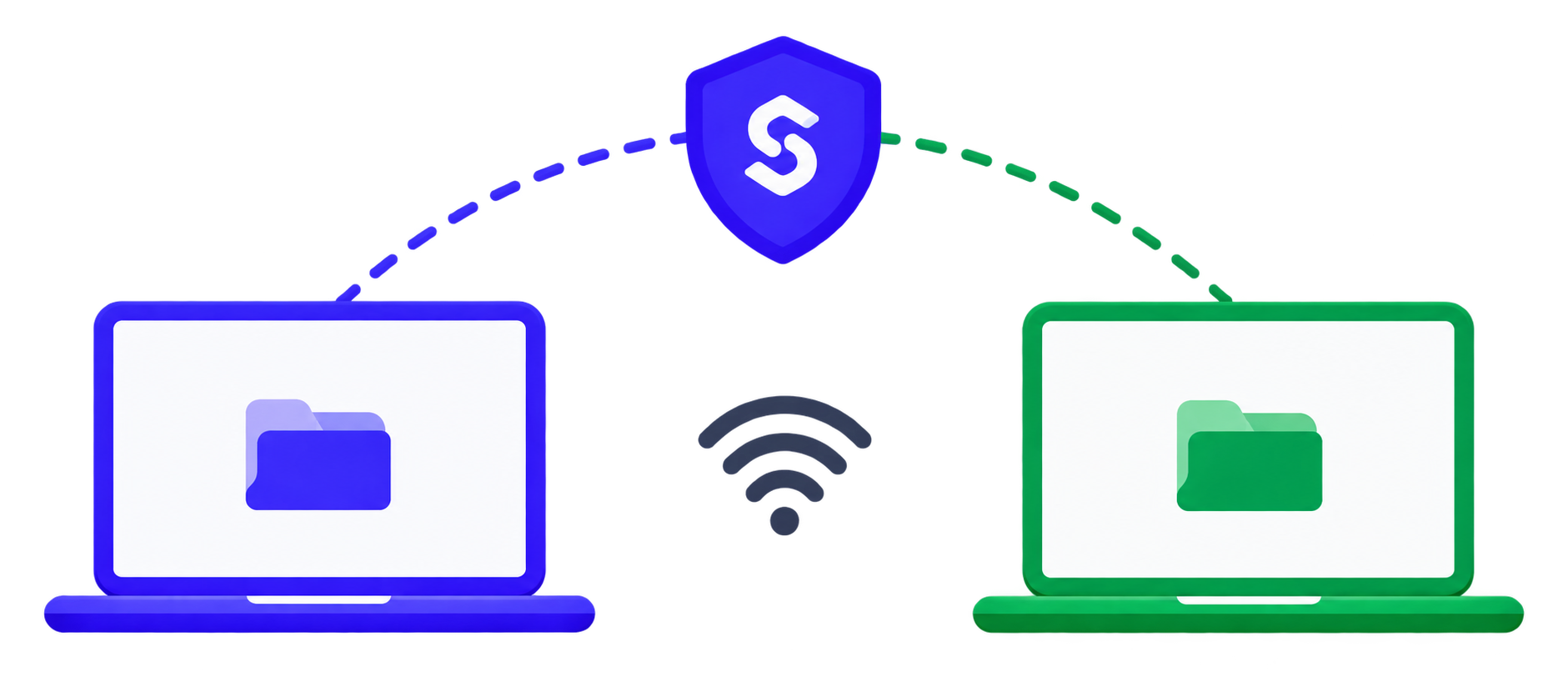
Fast, secure, and the server never sees your data. We use a direct P2P connection (WebRTC) to transfer files and text — the backend only helps the two browsers find each other.
Send files or text
- 1Create a transferYou'll get a transfer code
- 2Share the codeSend it to the recipient
- 3Wait for the connectionYou'll be connected directly
Receive files or text
- 1Enter the codeThe 6-character code from the sender
- 2ConnectingEstablishing a direct P2P connection
- 3ReceiveFiles and text directly from the sender
Your transfer
Transfer code:
Full link:
QR code:
Status:
Transfer (direct peer-to-peer)
Chat
Messages go directly between devices.
Messages will appear here.
File transfers
Send files directly to the connected device.
Drop a file to send
Drop a file here or
No file selected
Sent files
How it works
Create / JoinCreate a transfer or enter a code to join.
P2P connectionDevices connect directly via WebRTC.
TransferFiles and text are sent directly between devices.
SecurityDirect P2P connection. Your data never passes through the server.
SpeedWe use WebRTC for maximum speed.
EasyNo sign-up. Just a code.
Cross-platformWorks across browsers and devices.